How accurate is AI Japanese transcription? We tested it on real speech
November 10, 2026 · 5 min read
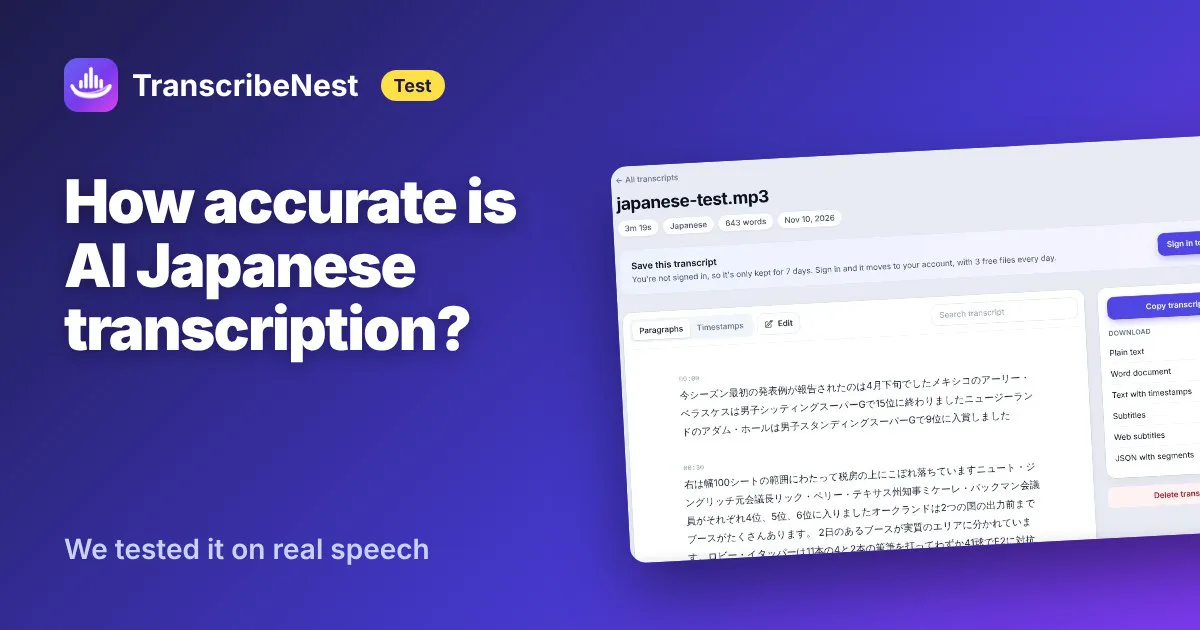
AI can turn Japanese audio into text in seconds, but how much of it can you trust? We ran a real test: 3 minutes 19 seconds of native Japanese speech, transcribed with TranscribeNest, then scored character by character against the official text.
The short version
- About 84% of characters were right (a character error rate of 15.6%).
- Foreign names in katakana were mostly right: 9 of 13 exactly. Typing the names in as a hint before uploading raised that to 12 of 13.
- Two short sentences were skipped completely. You can spot this as a jump in the timestamps.
- Numbers and dates were the riskiest errors: July became April, December became October.
- Homophones (words that sound alike but use different kanji) were the most common mistake.
The details, and a checklist for checking your own Japanese transcripts, are below.
How we tested
- The audio: 14 sentences from Google’s FLEURS dataset (Japanese, CC BY 4.0), read by native speakers, 8 men and 6 women. The sentences come from news and Wikipedia, and many contain foreign names and numbers. We joined them into one 3:19 file.
- The reference: every FLEURS sentence comes with its official text, so there’s an exact answer to compare against.
- The tool: TranscribeNest on the live site, with the language set to Japanese. We ran it twice: once as it is, and once with the 13 names in the recording typed into the “Names and terms” box. We fixed that list before the first run.
- The score: character error rate (CER), the number of wrong, missing and extra characters divided by the number of characters in the reference. Japanese has no spaces between words, so characters, not words, are the usual unit. Before scoring we removed punctuation and spaces from both texts and converted full-width letters and digits to normal width, so formatting differences don’t count as errors.
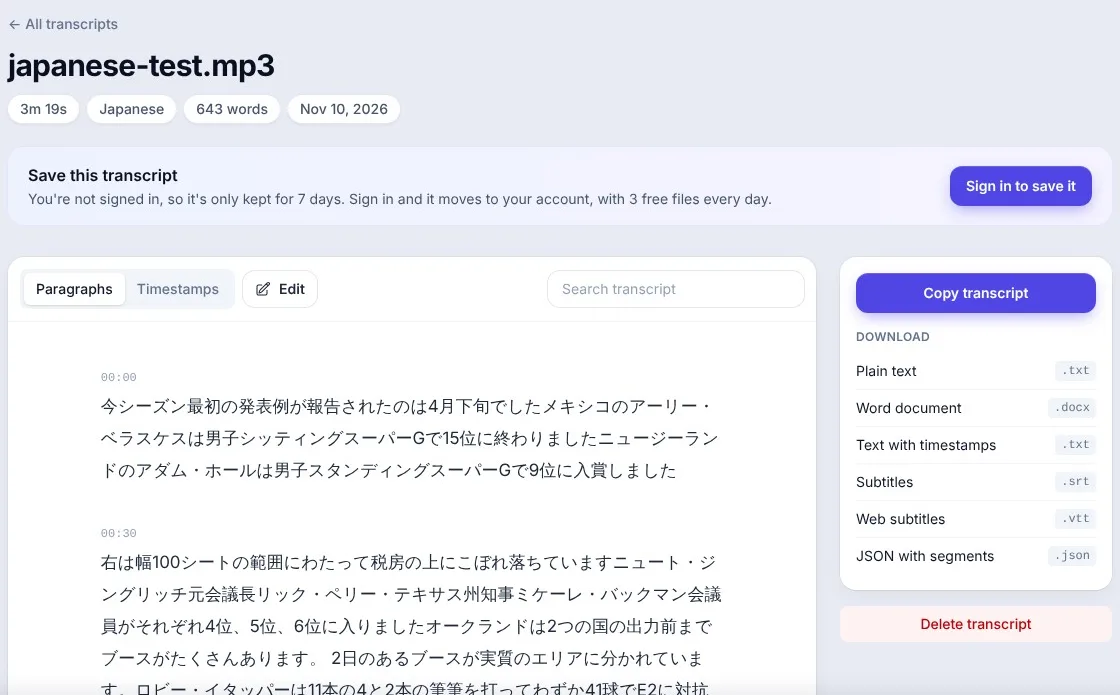
The results
| Character error rate | Names spelled exactly (of 13) | |
|---|---|---|
| Without hints | 15.6% (110 errors in 707 characters) | 9 |
| With the 13 names as a hint | 13.7% (97 errors) | 12 |
The transcript was ready in under 10 seconds after the upload finished, both times.
Keep in mind that this is clean read speech. Meetings, interviews and phone calls, with background noise and people talking over each other, will usually score worse.
What it got wrong
1. Skipped sentences
Two short sentences were missing from both transcripts:
- 1日に授与されるメダルは18個のみなので、多くの国が表彰台に上がれませんでした。
- 最終スコア21対20の1点差勝利で、…
There was no warning: the text simply continues with the next sentence. The way to catch it is the timestamps. In our transcript, one paragraph ends at 1:49 and the next starts at 2:04, a 15-second jump with no text, which is exactly where the first missing sentence was.
2. Numbers and dates
| Said | Transcribed |
|---|---|
| 7月 (July) | 4月 (April), first run only |
| 12月 (December) | 10月 (October), both runs |
| 70ラン (70 runs) | 73 |
These are the errors that do the most damage, because the sentence still reads naturally. A wrong kanji often looks odd; a wrong month doesn’t.
3. Homophones
Speech recognition hears sounds, then has to choose the kanji. When two words sound alike, it sometimes picks the wrong one:
| Said | Transcribed | |
|---|---|---|
| 下院議長 (Speaker of the lower house) | 会議長 | 下院 (kain) became 会 (kai) |
| 発病 (outbreak) | 発表 (announcement) | hatsubyō / happyō |
| 堤防 (river bank) | 税房 (not a word) | first run only |
| フィート (feet) | シート (sheet) |
4. A few names
Most katakana names came out exactly, including long ones such as アーリー・ベラスケス and アンナ・オガルジンスカ. The misses in the first run were close: デビット for デビッド, クレゼル for クレツェル, パグ for パク, ロビー・イタッパー for ロビン・ウタッパ.
Do name hints help?

Yes, for names. Exact names went from 9 to 12 of 13, and the overall error rate fell from 15.6% to 13.7%. The July date was also right the second time.
But a hint is not a general fix. The December date, most of the homophones and both skipped sentences stayed the same. One new mistake also appeared: ビーチ (beach) came out as 地域 (area). So add the names you know, but don’t expect the hint to correct anything else.
A checklist for Japanese transcripts
- Set the language to Japanese instead of auto-detect.
- Add the names and terms you know (people, companies, products) before uploading.
- Check every number and date against the recording.
- Check the kanji of key words, especially words with common homophones.
- Look for jumps in the timestamps. A gap of more than a few seconds where someone was speaking usually means a skipped sentence. Click that spot in the transcript and listen.
On the transcript page you can load the recording and click any line to hear it, which makes steps 3 to 5 quick. You can also correct mistakes right there and then download the text, a Word document, or SRT and VTT subtitles.
FAQ
Is a 15% character error rate good? For clean read speech, it’s usable but needs checking. Most sentences in our test came out word for word; the errors were concentrated in a few places (numbers, homophones, two skipped sentences). For anything you’ll publish or quote, check it.
Does the transcript come out in kanji, hiragana and katakana? Yes, as normal written Japanese with punctuation, grouped into paragraphs with timestamps.
Can it translate Japanese to English? No. The transcript is in Japanese.
How much does it cost? TranscribeNest transcribes 3 files a day for free, up to 30 minutes each. For a longer file, the first 30 minutes are free and you can finish the rest of that file for $1.99, or buy hours from $6 for 10 hours. See pricing.
Test data: FLEURS, Conneau et al., “FLEURS: Few-shot Learning Evaluation of Universal Representations of Speech” (Google), licensed CC BY 4.0. Tested on November 10, 2026; results from one recording, and other recordings will score differently.